
Resume Builder
Create a professional resume
Choose a layout, add your details and download a PDF. Use it for applications on this portal or elsewhere.
A free applicant account is required to save and download your resume.
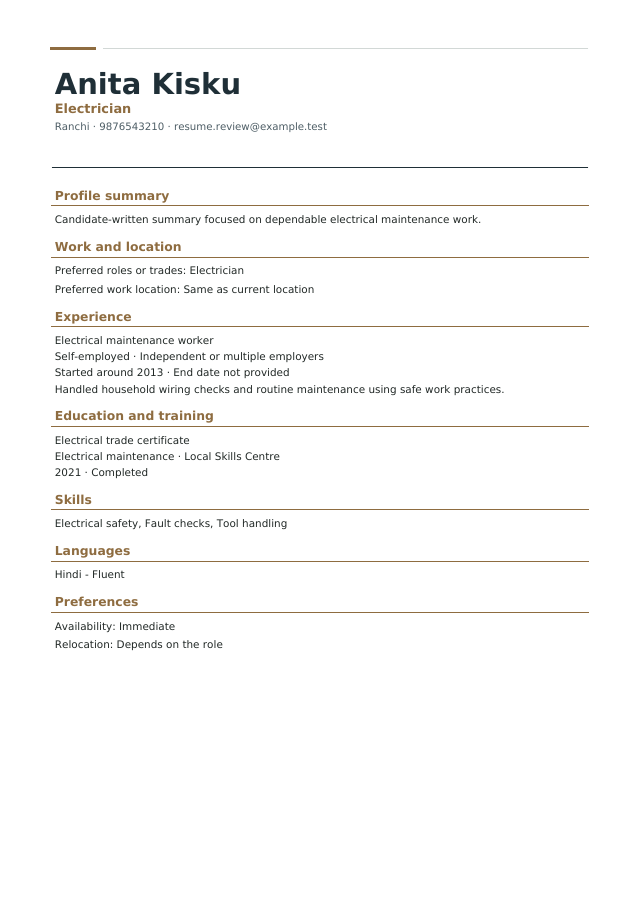
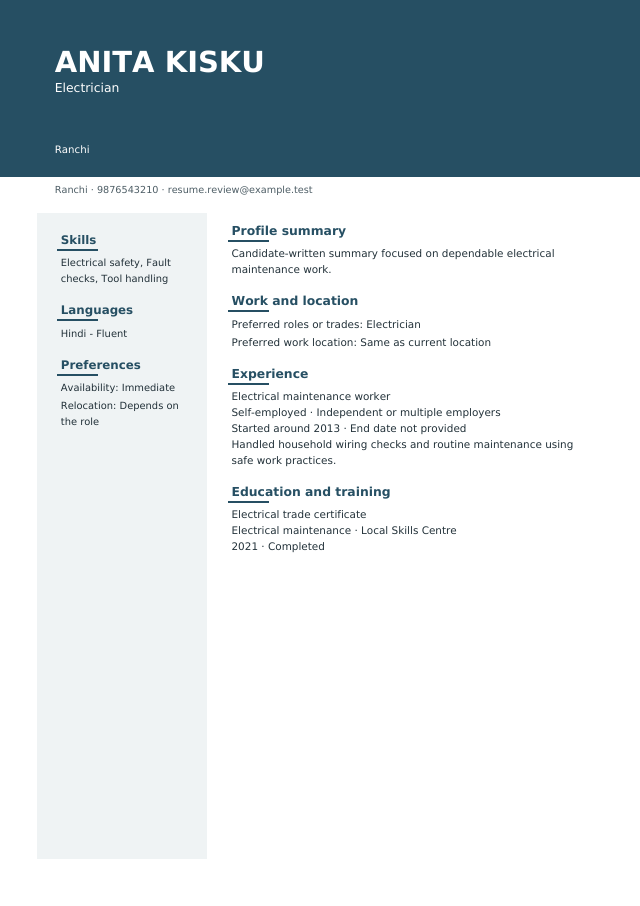
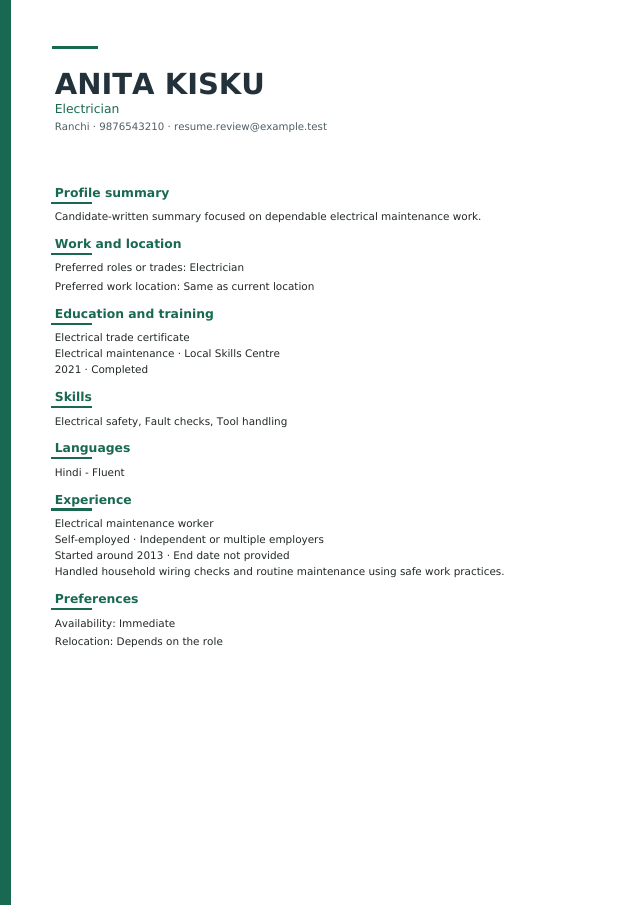
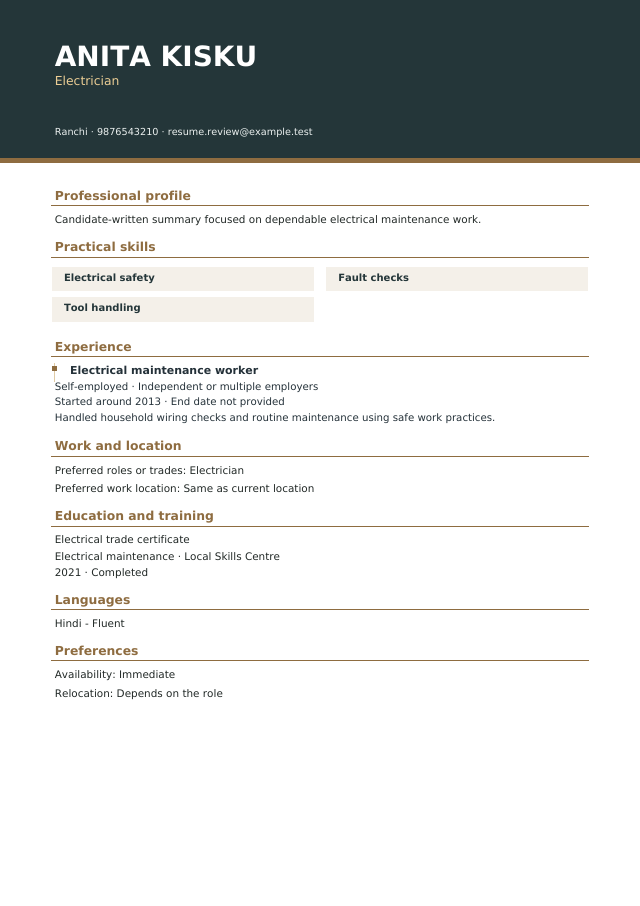
Four distinct layouts
Choose the presentation that suits your work
Three clear steps
- Your detailsUse saved account and profile facts. Add only what is true.
- Choose a designPick a layout, spacing and optional photo.
- Preview and downloadReview the exact private PDF before generating it.
Photo is optional
Start with no photo, or explicitly choose a private copy for this resume. A photo is never required to build, download or apply.
Download does not select
Download any generated PDF. It becomes your resume for future applications only when you explicitly choose Use this resume.
Practical questions
Do I need an existing resume?
No. An eligible activated applicant can begin with saved name and contact details and add profile facts when available.
Can I use the PDF elsewhere?
Yes. Downloading is separate from using the document for applications on this portal.